
Blog tagged as Connect Key

Versalink Scan to SMB 

By Kat - Comment(s)

Published on: August 03, 2018
Author: usamagnum
Categories: Versalink


Content:
Welcome! OKAY! This is a long one. Here is our 4th guide in our Quick Start Guide for Versalinks. If you are looking to lease a new unit, click here to be taken to our selector tool to help you choose the right model. Thi...


Private School Academy Printing 

By Kzyll - Comment(s)
Private School Academy Printing 

In the fast-paced world of technology, staying ahead in the competitive business landscape is crucial, especially in the education sector. This story of transformation begins in a small, private school, where Ryan, a newly hired enthusiast at our company, and I discovered an opportunity to showcase ...

What Is Xerox Easy Translator? 

By Kat - Comment(s)
Okay..

So hopefully you watched the video. 

https://www.youtube.com/watch?v=r7_E4lkJUTk&embeds_referring_euri=https%3A%2F%2Fchatgpt.com%2F&source_ve_path=MjM4NTE

If not, we will do our best to summarize below. 

The Xerox Easy Translator App turn your Xerox copy machine into an instant ...


Xerox and Daycares 

By Laarni Berondo - Comment(s)
Xerox and Daycares 


In the bustling environment of a daycare, efficiency, reliability, and cost-effectiveness are key. That's where leasing Xerox copy machines comes into play, offering a practical solution to meet the diverse needs of children's educational materials, administrative paperwork, and creative projects. L...


How to set: Altalink to Print in Black and White Only from Webui 

By Laarni Berondo - Comment(s)
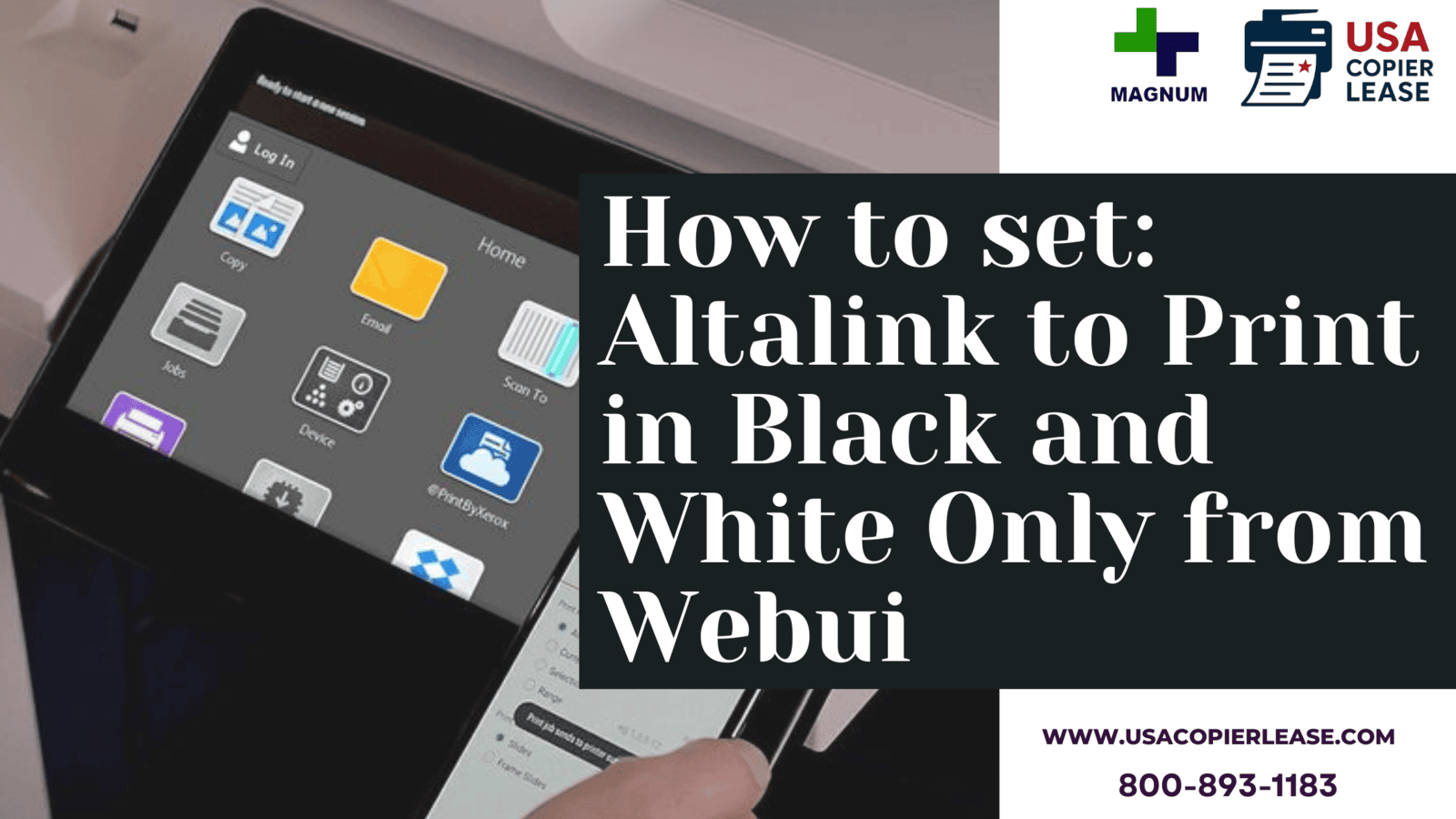
How to set: Altalink to Print in Black and White Only from Webui 


If you have a Xerox AltaLink and need to limit printing to black and white, you can easily configure this setting from the Embedded Web Server. Follow these simple steps to ensure all your print jobs are in black and white. 


Supported Products: 

AltaLink C8130 / C8135 / C8145 / C8155 / C8170...